How to Set Up a Corporate Taxi Account in 5 Minutes
Why Open a Corporate Account?
If your business spends more than a few hundred pounds a month on taxis, mileage claims, or parking — a corporate account will save you time and money. One invoice, one account, your whole team covered.
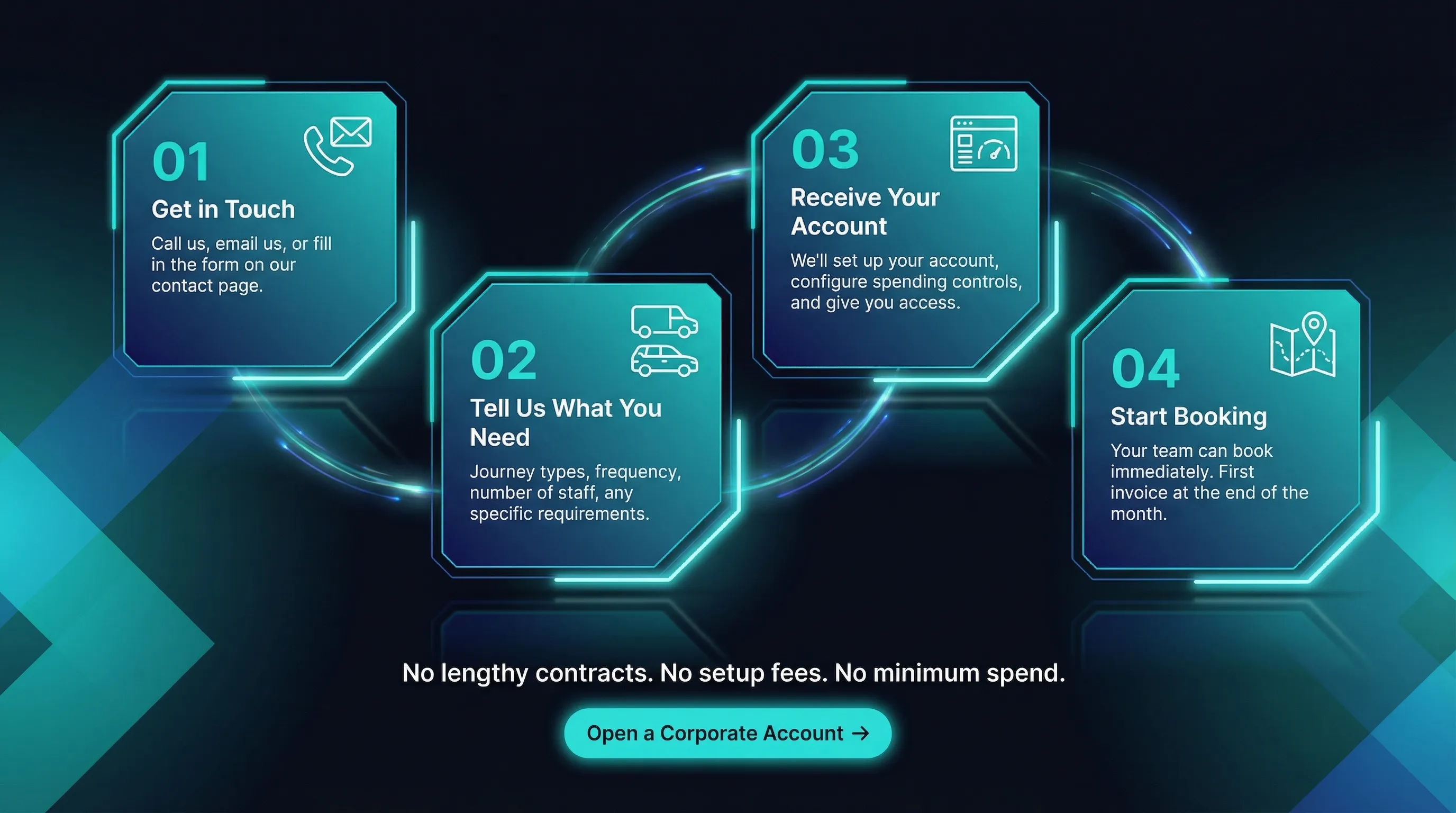
The 4-Step Setup
Step 1: Get in Touch
Email info@localgrp.uk to get the conversation started. Tell us about your business and what you need.
Step 2: Tell Us What You Need
Journey types, frequency, number of staff, any specific requirements. We'll tailor the account to your exact needs.
Step 3: Receive Your Account
We set up your account, configure spending controls, and give you access. Most accounts are live within 24 hours — often the same day.
Step 4: Start Booking
Your team downloads the app and books under the company profile. First invoice at the end of the month.
What's Included
- One monthly invoice — itemised by date, passenger, and route
- Priority bookings — account holders go to the front of the queue
- Dedicated account manager — one person who knows your business
- Cost controls — set spending limits per employee
- Journey reporting — full audit trail, exportable as CSV
No Contracts, No Minimums
There's no minimum monthly spend and no lock-in contract. Use the account as much or as little as your business needs. Cancel any time.
Ready to simplify your business travel? Open a corporate account or call 0191 462 0060.
Download the app — it's free